
Dim the window. Keep the rest of your screen as it is.
Dim, invert or warm individual windows on Windows. Save your preferred effects for the apps you use most.
Coming soon to the Microsoft Store
Get dymmr on the Microsoft Store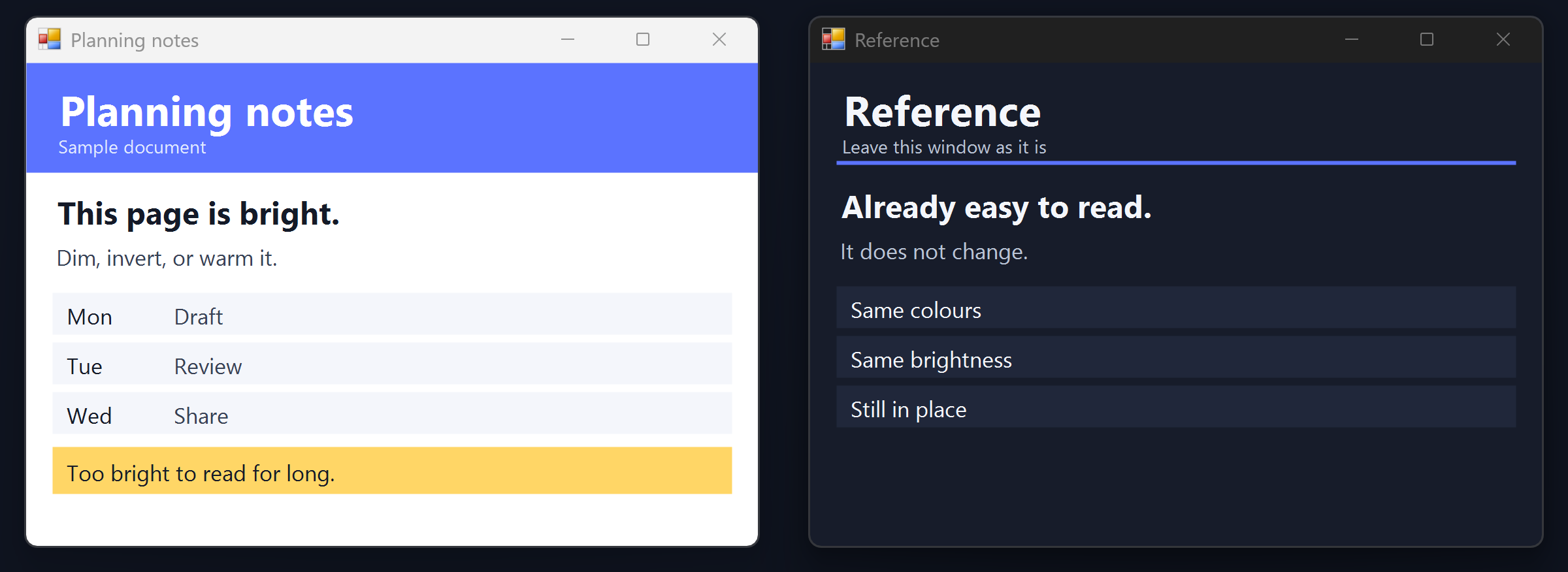
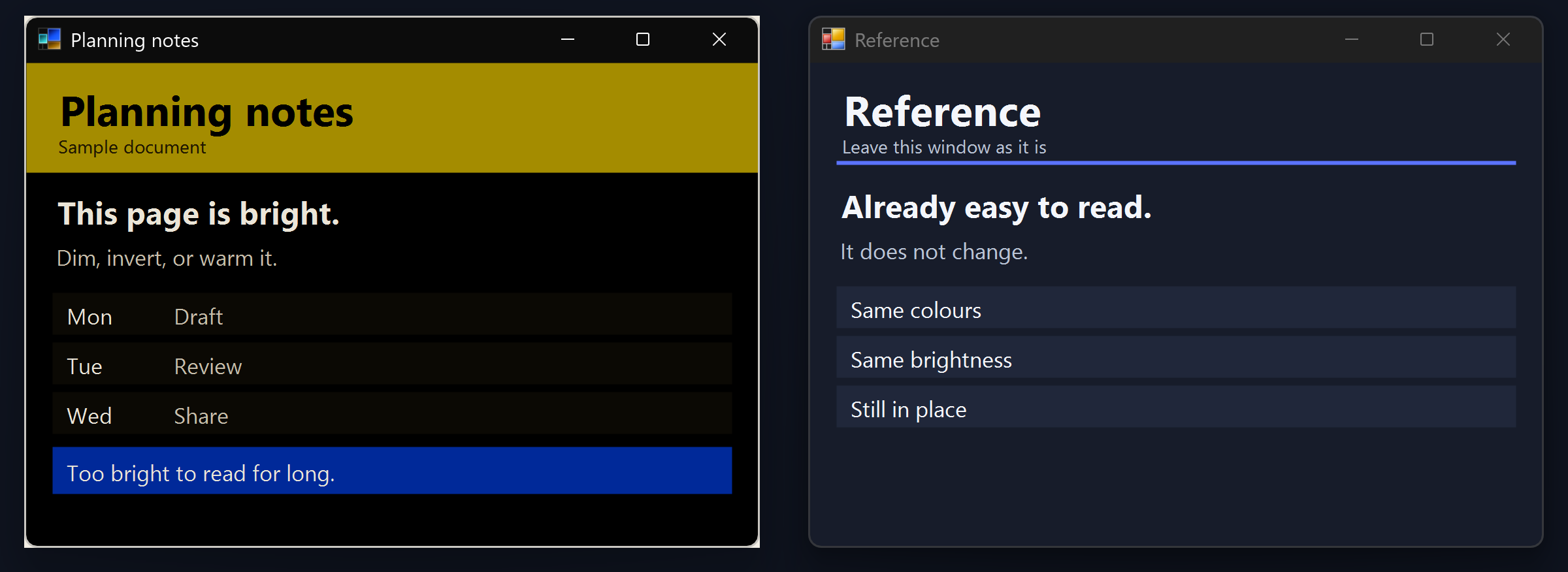
Sample windows only. Planning notes changes. The Reference window on the right stays as it was.
What you can do
-
Dim a bright document
A spreadsheet or a page can be the only thing that is too bright. Dim lowers that window. The rest of the screen stays as it is.
-
Invert an app without dark mode
Invert turns a light window into light text on a dark background, even when that app has no dark theme of its own.
-
Save the effects you use most
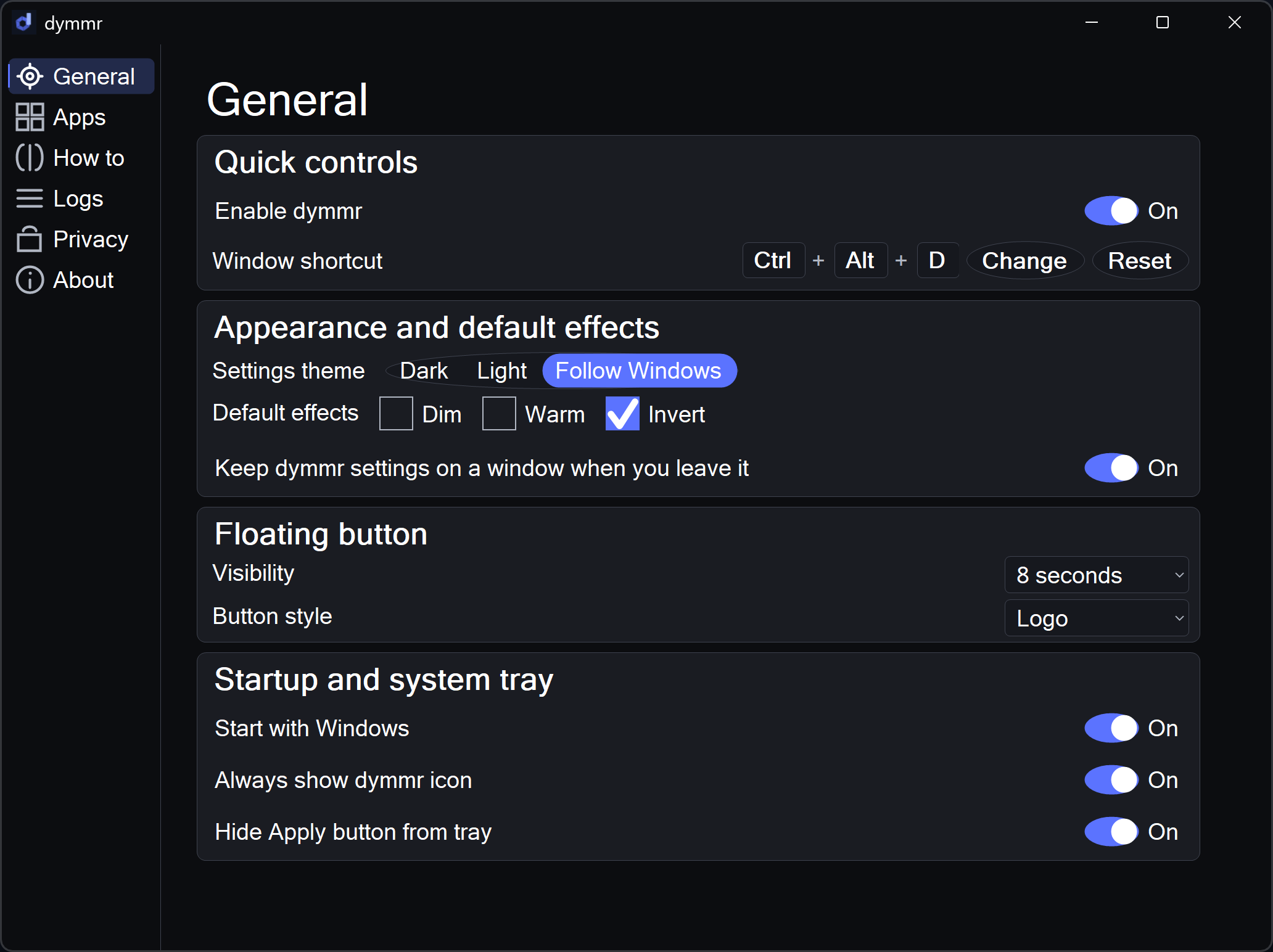
Save dim, invert, or warm for an app. Next time that app is in front, dymmr can use the same effect.
Press Ctrl + Alt + D on the window in front, or use the button at the top of that window. Press it again to restore.
Watch one window change
Press play. Planning notes inverts. The Reference window beside it does not. There is no sound.
Why I built dymmr
I have cone dystrophy, and bright windows can make it harder for me to read and work at a computer for long stretches. I built dymmr so I could adjust the window that was giving me trouble. It helps me work comfortably for longer, and I'm sharing it so others can set up their screens in a way that works for them.
Mike Clayton
Privacy
dymmr stores your settings on this PC, in your Windows account. That includes dimming, warmth, invert, the keyboard shortcut, and the apps you save. dymmr does not read window titles, save what is on screen, or send anything over the network. A diagnostic log stays off unless you turn it on, and it stays on this PC.